
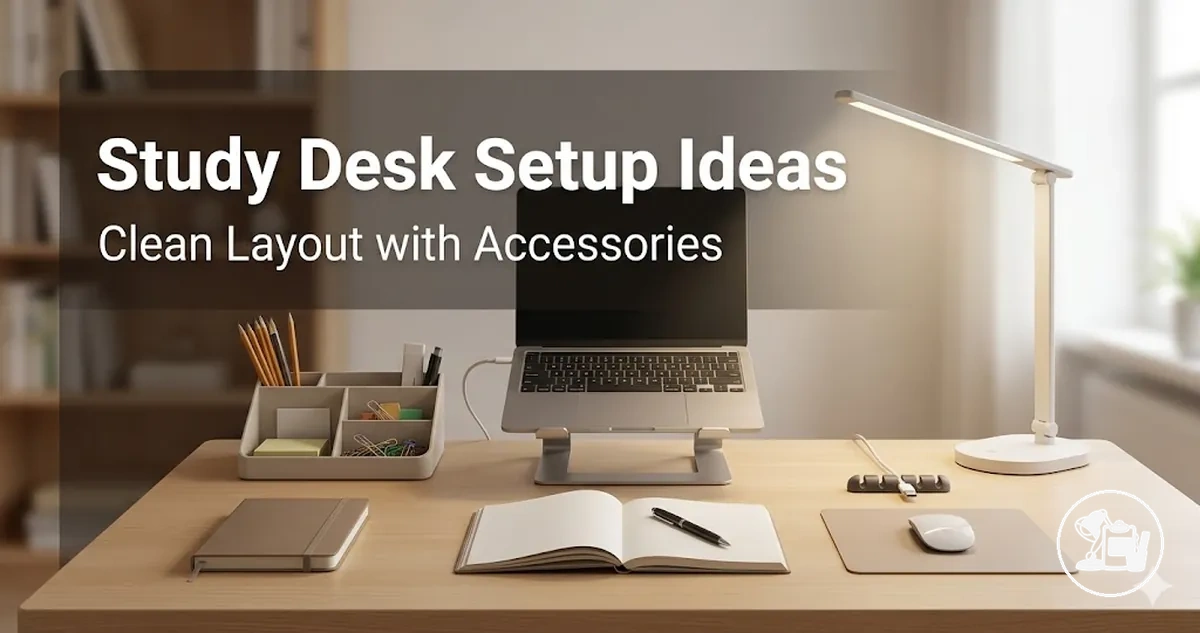
Study Desk Setup Ideas for a Clean and Organized Workspace
Study desk setup ideas refer to the structured arrangement of a student's workspace to enhance organization, focus, and efficient use of the desk surface. These ideas emphasize thoughtful placement of accessories, lighting, storage solutions, and cable management to support a clean workspace and an organized desk. Students can adapt layouts based on desk size, study tasks, and clutter tolerance while keeping essential tools accessible. For a detailed overview of accessory options, see the study desk setup accessories hub.
Consider a student preparing for an extended study session in a compact room. By organizing work, storage, lighting, and cable zones effectively, the student can keep frequently used items within reach and minimize distractions. This scenario demonstrates how setup inspiration translates into practical layouts that support a clean, functional desk and promote sustained focus.
To convert study desk setup ideas into actionable layouts, consider these factors:
- Desk surface allocation: Define areas for writing, laptop use, and reading to prevent clutter overlap.
- Lighting placement: Position lamps or desk lights to illuminate work zones without causing glare or shadows.
- Storage integration: Use trays, shelves, or drawer organizers to keep supplies accessible but off the main surface.
- Cable management: Route cords and chargers efficiently to maintain a tidy and obstruction-free workspace.
- Accessory accessibility: Arrange frequently used tools within easy reach, storing rarely used items out of sight.
Principles for Clean Study Desk Layouts
A clean desk layout is the arrangement of a study surface that enhances accessibility, spacing, and clutter control while supporting a consistent study routine. This layout emphasizes distinct zones for work, storage, lighting, and cable management, ensuring that supplies are easy to reach and the desk surface remains organized. Clear visual hierarchy and strategic accessory placement improve focus and efficiency during study sessions.
When students encounter limited space or overlapping tasks, clutter can disrupt workflow and reduce productivity. Applying core principles addresses these challenges by balancing accessibility with storage and spacing. A practical guideline is to maintain only frequently used items on the desk, while storing less-used materials in drawers or organizers to preserve a clear workspace.
Key principles for achieving a clean study desk layout include:
- Define desk zones: Separate areas for writing, computing, and reference materials help prevent overlap and improve workflow.
- Optimize spacing: Ensure adequate distance between items to enhance accessibility and maintain visual clarity.
- Manage cables: Route cords and chargers efficiently to prevent tangling and keep the surface tidy.
- Prioritize visibility: Keep essential tools visible for easy access while storing non-essential items out of sight.
- Regularly review arrangement: Adjust placements based on usage patterns and study tasks to sustain functionality and comfort.
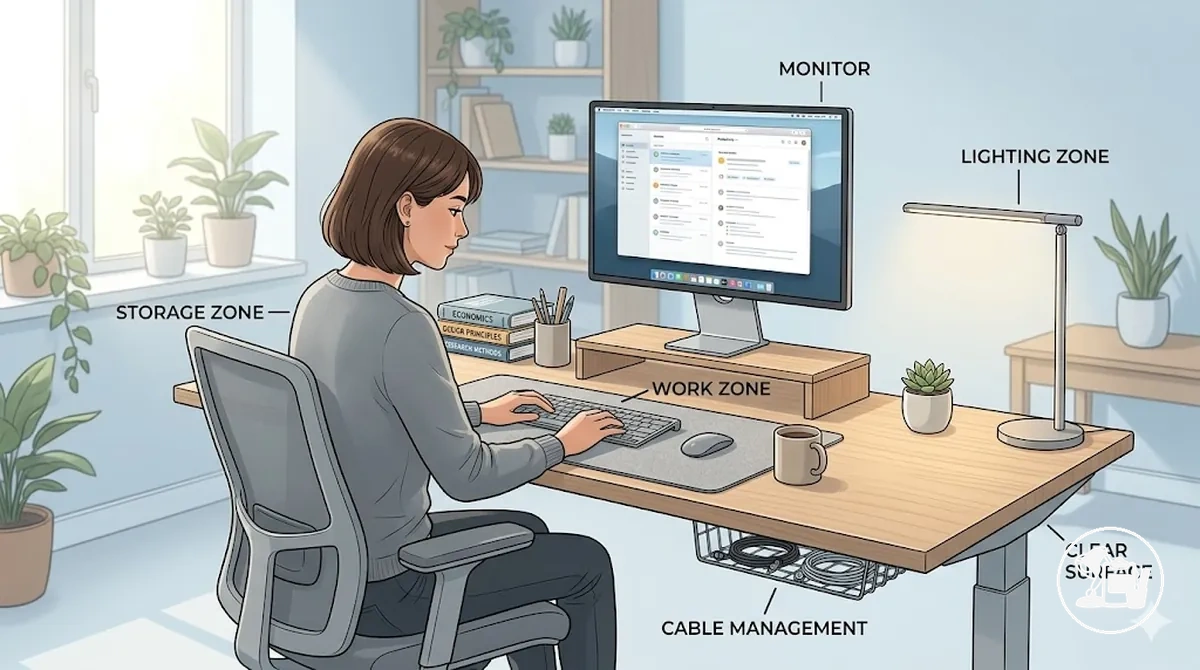
Zones for Functional Desk Accessory Placement
Desk zones are defined areas on a study desk that organize accessories based on their functional purpose. Each zone serves a distinct role—work, storage, lighting, or cable management—to keep supplies accessible while maintaining an organized desk surface. These zones ensure that items are positioned according to how they are used, creating purpose-based areas on the desk.
For example, a student may use a laptop and notebook frequently, placing them in the work zone for immediate access. Less-used supplies fit in the storage zone, lamps and task lighting occupy the lighting zone, and cables are organized within the cable management zone to prevent obstruction. This layout framework prepares the reader to understand how each local zone functions in practice.
The following table organizes zones by purpose and accessory need:
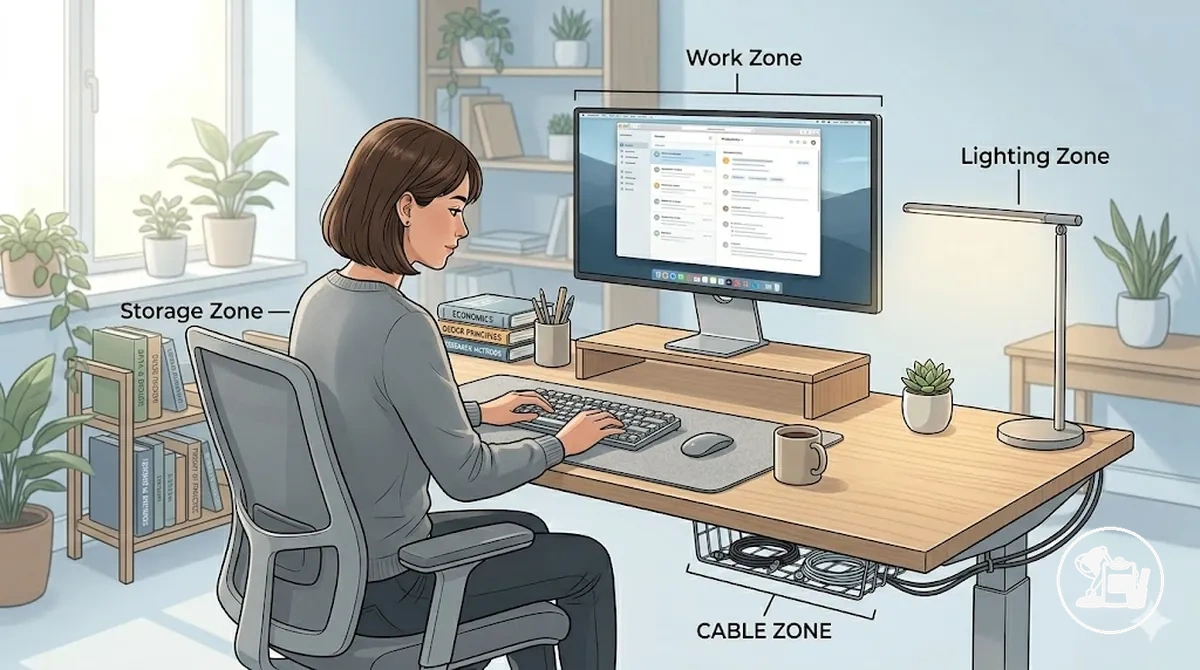
| Zone | Purpose | Accessories or items | Placement effect |
|---|---|---|---|
| Work Zone | Support active study tasks | Laptop, notebook, writing tools | Keeps frequently used items within easy access |
| Storage Zone | Organize supplies by frequency of use | Organizers, drawers, extra supplies | Reduces clutter on the main desk surface |
| Lighting Zone | Provide optimal visibility | Lamp, task light | Enhances comfort and focus on work items |
| Cable-Control Zone | Manage connections and power cords | Charging cables, cable clips | Maintains a tidy and unobstructed desk surface |